How much content an AI support agent needs
Evoriqa Team · June 10, 2026 · 6 min read
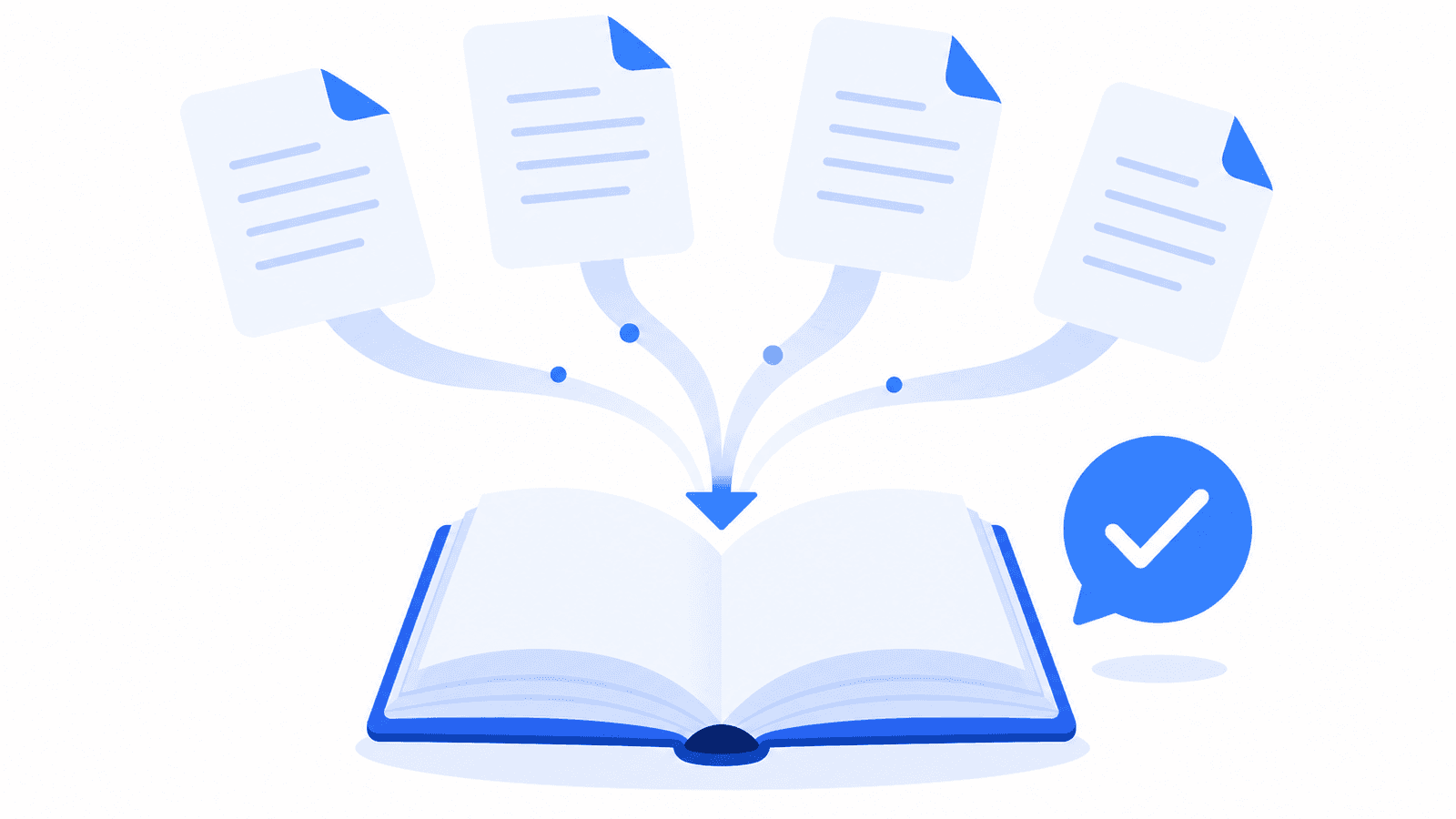
Every AI support vendor will show you how to add content. Crawl a site, upload a PDF, paste some text — the mechanics are the same everywhere, every vendor documents them, and they take an afternoon.
What none of that tells you is whether this will work for your business. The questions that actually decide it are the ones you ask before you sign: how much content do I need before it is useful, how do I know the answers are right before a customer reads one, what does keeping it accurate cost me every month, and what does it look like when it goes wrong. Those are worth answering honestly, including where the honest answer is uncomfortable.
How much content is enough to launch
Less than most people assume, and it is not measured in pages.
An AI support agent does not read your knowledge base the way a person reads a manual. It retrieves the passages that look most relevant to the question in front of it and builds a reply from those. That mechanism has a consequence worth internalising: coverage of the questions you actually receive matters far more than total volume. A hundred pages of marketing copy answers nothing. Twenty well-written answers to the twenty questions that fill your inbox answers most of your daily traffic.
So the starting point is not your website. It is your inbox. Read the last two weeks of support email or chat and write down the questions that repeat. That list is your launch scope, and it is usually shorter than people expect — a handful of themes covering the majority of what arrives.
From there, three things fill the base out:
- Your public content, crawled — help centre, product pages, policies. This is the widest coverage for the least effort, and worth doing even where the pages are imperfect.
- The documents customers ask about that the site covers badly — the returns policy that only exists as a PDF, the spec sheet, the onboarding packet.
- FAQ pairs for the repeating questions, written as the exact question and the exact answer. These are the most direct control you have over what the agent says, and in Evoriqa they carry extra weight when the agent searches for a match, so a good FAQ tends to win over a loosely relevant page.
The knowledge base feature page lists the full set of source types and limits. The judgement call is not which of them to use — it is resisting the urge to load everything before you have checked whether the small version already answers well.
How you know it is accurate before a customer does
This is the question that should decide your vendor, and it is the one most demos skip.
Adding content is not the risky part. Shipping an agent that answers confidently and wrongly is. There are three checks worth insisting on, in this order:
Test it in a sandbox first. In the playground you ask the agent anything and watch what happens underneath the answer: which sources it pulled, the retrieval match scores, how long it took. Ask it the awkward questions, not the easy ones — the edge cases, the things where your policy has an exception, the questions where being wrong costs you money.
Turn the good tests into saved cases. A single passing answer proves nothing about tomorrow's version. Saved eval test-cases re-run on every change, so a knowledge edit that quietly breaks an answer you already fixed shows up as a failure rather than as a customer complaint three weeks later.
Then hold the replies back. Shadow mode sits between "humans answer everything" and "the AI answers on its own": the agent drafts every reply into your inbox and nothing reaches the visitor until a teammate sends it. You get to read a few hundred real answers to real customers with the safety net still attached.
How long until you can trust it
There is no honest answer in days, and you should be sceptical of anyone who gives you one. It depends on how varied your questions are and how good your content was to start with.
There is an honest answer in numbers, though. Shadow mode reports, per channel, how many drafts were written, how many were approved, and the average percentage a teammate edited before sending. Watch that edit percentage. When it flattens near zero on a channel, the agent has earned that channel and you switch it to autonomous — one channel at a time, not the whole account at once. Turning it loose is a decision you make from a measurement rather than a date you picked in advance.
That also means the answer differs by channel. An agent may be ready to answer website chat unsupervised long before you would let it handle WhatsApp, and there is no rule saying both have to graduate together.
What upkeep actually costs
This is the line item people underestimate, so here is the shape of it.
The recurring work is not re-uploading content. Scheduled re-crawl re-reads your site on a cadence you set per page — daily, weekly, monthly, or off — so ordinary website edits flow into the agent without anyone touching it. Set the pages that change often to a short cadence and leave the rest alone.
The recurring work is reading the gap list. Knowledge-gap detection collects the questions the agent could not answer and groups the similar ones into themes, so you get a short list of what is missing rather than a raw transcript log. A cluster of unanswered questions about international shipping is a page you have not written. One click turns a gap into a new FAQ.
Budget half an hour a week for that review, plus a real edit whenever a policy or price changes. That is the true ongoing cost, and it does not shrink to zero — a base nobody revisits becomes a base nobody trusts, and an agent nobody trusts gets checked behind, which defeats the point of having it.
How it fails
Knowing the failure modes is how you spot them early.
Contradictions. Two documents disagree about the refund window; the agent can surface either. This is the most common cause of a confidently wrong answer, and it comes from adding content faster than you reconcile it.
Stale facts. A retired plan or last year's return window is worse than no answer, because the agent will state it plainly and the customer will believe it.
Sprawling pages. A page covering returns, shipping and warranty in three loose sections is hard to retrieve cleanly, so the agent pulls the wrong third of it.
The fix is diagnostic rather than guesswork. Under every reply, Why this answer shows the exact passages the agent drew on with their similarity scores and the prompt it ran, so a bad answer resolves into a specific cause: wrong page retrieved, missing content, or a question that needed a human. Live AI QA scores production answers so the weak ones surface in your inbox instead of sitting unread in transcripts. That is the difference between a grounded answer you can trace and one you can only hope about.
What to check in a trial
Whichever platform you end up on, these are the things worth testing before you commit — and the things worth asking any vendor to demonstrate rather than describe:
- 1Can you see the retrieved passages behind an answer, with scores? If not, you cannot diagnose a bad one.
- 2Can you hold replies for human approval per channel, and does it report an edit rate?
- 3Is there a list of what the agent failed to answer, or only a transcript log?
- 4Can refresh cadence be set per page, or is it all-or-nothing?
- 5Can you save test cases and re-run them after a content change?
- 6When you ask a question your content genuinely does not cover, does it say so — or does it invent something?
That last one is the whole game. Ask it something you know is not in the base, and watch what comes back. If you are still narrowing a shortlist, our comparison pages put these same capabilities side by side.